Integrating Limeroad with EasyEcom

Integrating Limeroad with EasyEcom

Step 1: Please log into your EasyEcom account and go to Account settings.


Step 2: Click on Add channels and select the channel you want to integrate (In this case Limeroad)



Step 3: You will get a drop down (below) that need to be filled.
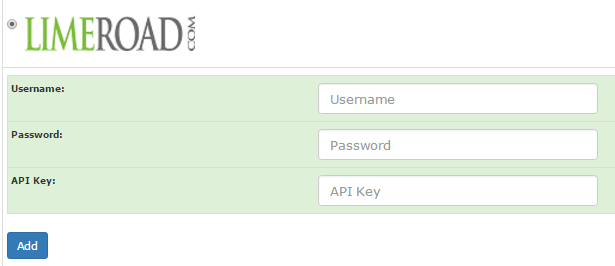


Step 4: For your API key, Login to your Limeroad Panel
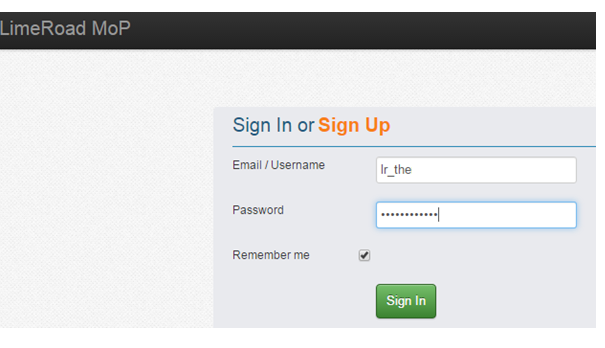

Step 5: Click on "Seller Portal New"


Step 6: Click on the arrow for the drop down and click on the API key
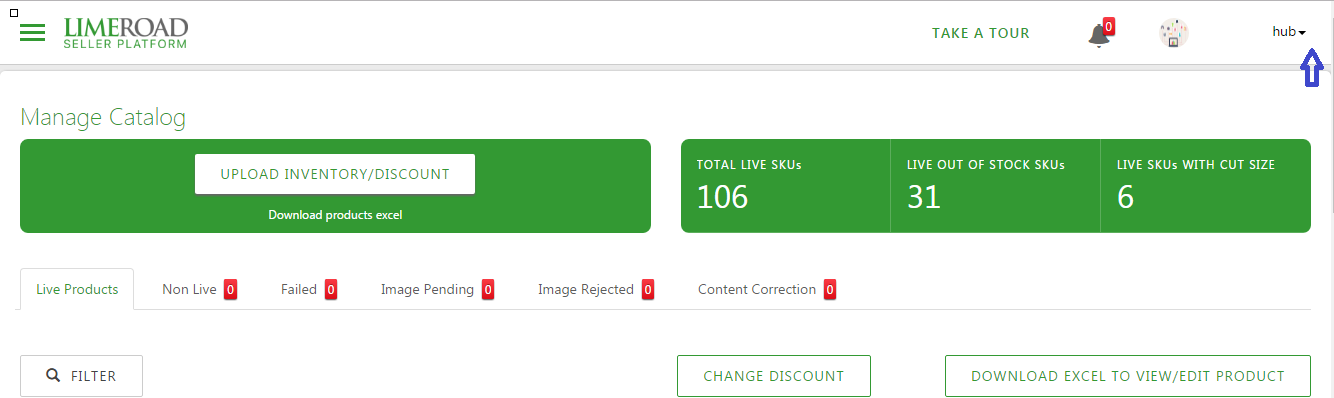


Step 7: You will get your API key. Add the details in the channel page in EasyEcom


Limeroad will be added to your list of accounts in EasyEcom


    • Related Articles

    • Integrating Ginesys POS+ERP with EasyEcom

      To integrate your Ginesys POS+ERP account with EasyEcom please follow the below-mentioned process. Step 1: In the toggle menu, navigate to “Accounting>>ERP Integration” Step 2: Select "Ginesys POS+ERP" On the ERP Integration webpage, click on the ...
    • Integrating Ekart with EasyEcom

      Overview Ekart can be integrated with EasyEcom as a shipping carrier to manage shipment creation, shipment tracking, and return processing. Once integrated, EasyEcom can automatically create shipments in Ekart and receive shipment status updates. ...
    • Integrating Marketplace using EasyEcom Standard APIs

      You can easily integrate your marketplace with EasyEcom by following the process explained in this video and/or the integration workflow document shared with you.  Marketplace Integration Frequently Asked Questions  1. Do we need to add carrier ...
    • Integrating DHL Express with EasyEcom

      By following the below-mentioned procedure you can integrate DHL Express with EasyEcom and configure it as a shipping carrier for order fulfillment. Step 1: Navigate to 'Masters > Carrier Master' In the toggle menu, navigate to: Once you click on ...
    • Integrating GrowSimplee/Blitz with EasyEcom

      By following the below-mentioned procedure you can easily integrate Grow Simplee with EasyEcom. Step 1: In the toggle menu, navigate to “Masters>>Carrier Master” Step 2: Click on the “Add New” button Once you click on Carrier Master you will be ...
